
Quality Assurance
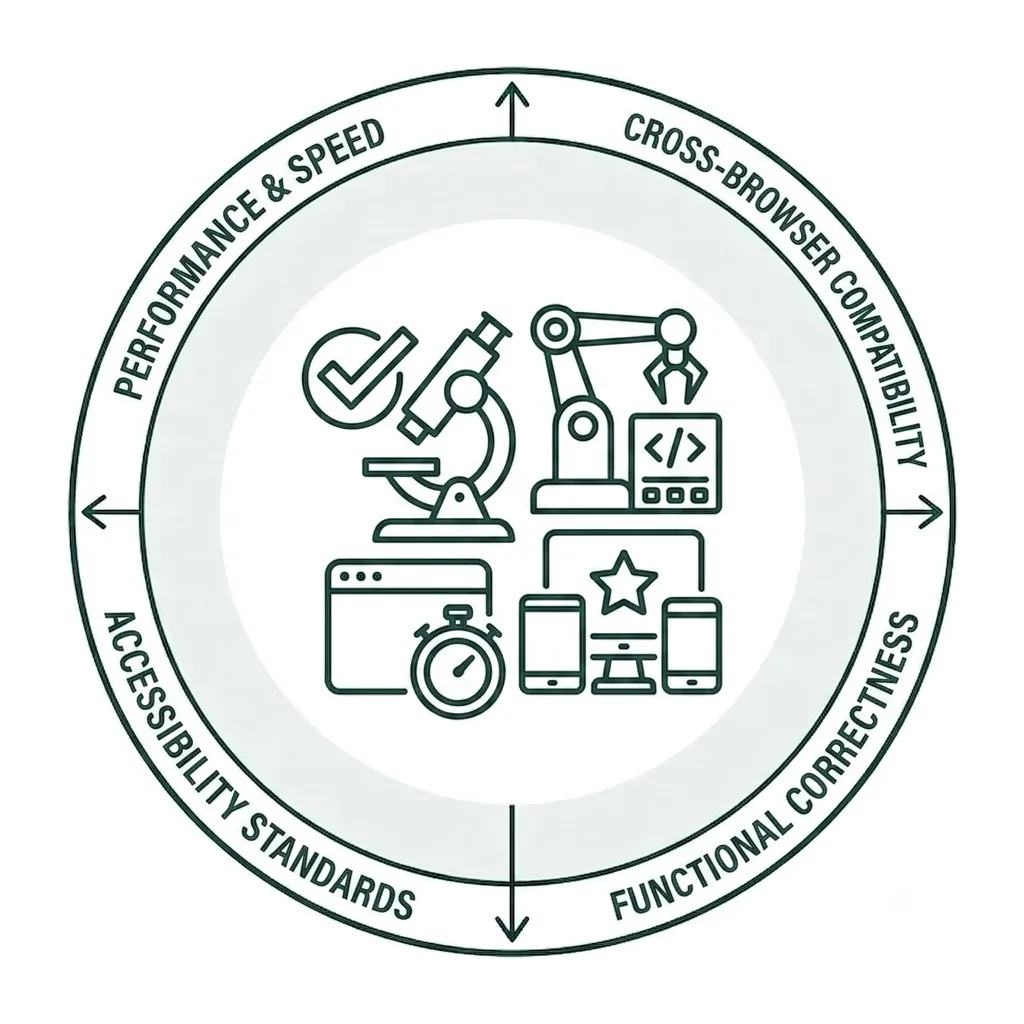
Improving the Quality of Your Wake Website
Fixing misspellings and grammatical errors is essential because even minor mistakes can undermine your brand’s credibility and make your organization appear unprofessional or careless. Errors can also negatively affect user engagement and increase bounce rates.
More importantly, consistently poor-quality content may signal to search engines that a website is less trustworthy or valuable, potentially reducing visibility and costing you valuable traffic and conversions.
Maintaining a Healthier Website
In this step-by-step tutorial, you’ll learn how to use Siteimprove’s Quality Assurance module to identify misspellings and words that require manual review across your website. We’ll walk through how to review and prioritize flagged issues, determine the appropriate action for each word, and follow the recommended remediation process to help keep your website free of spelling errors.
What is Quality Assurance?
Quality Assurance (QA) helps you assess the overall health of your website content. Siteimprove’s QA module identifies outdated or irrelevant content, broken links, and inconsistent branding or language. It also provides readability scores for every published page and maintains a detailed inventory of your site’s pages, files, and other published assets.
Siteimprove’s QA module includes several components. The features most relevant to Wake Forest website and content editors—and the ones used most frequently—are provided below.
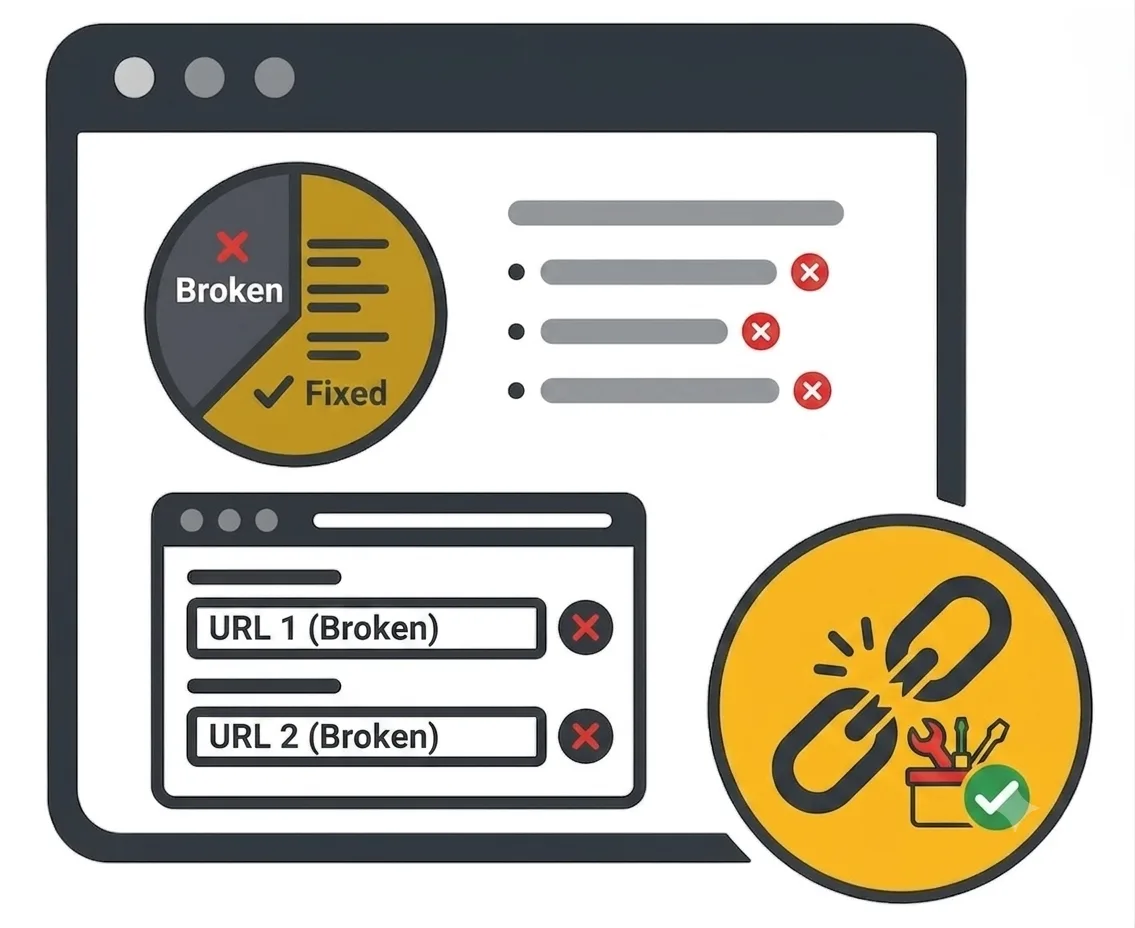
Broken Links
Addressing broken links may be one of the most important steps you can take to improve your website’s overall health and provide users with a better experience.
In this tutorial, we’ll show you how to identify broken links on your website’s pages and in published PDFs. We’ll also provide context for the different HTTP status codes associated with broken links and what they mean.
Misspellings
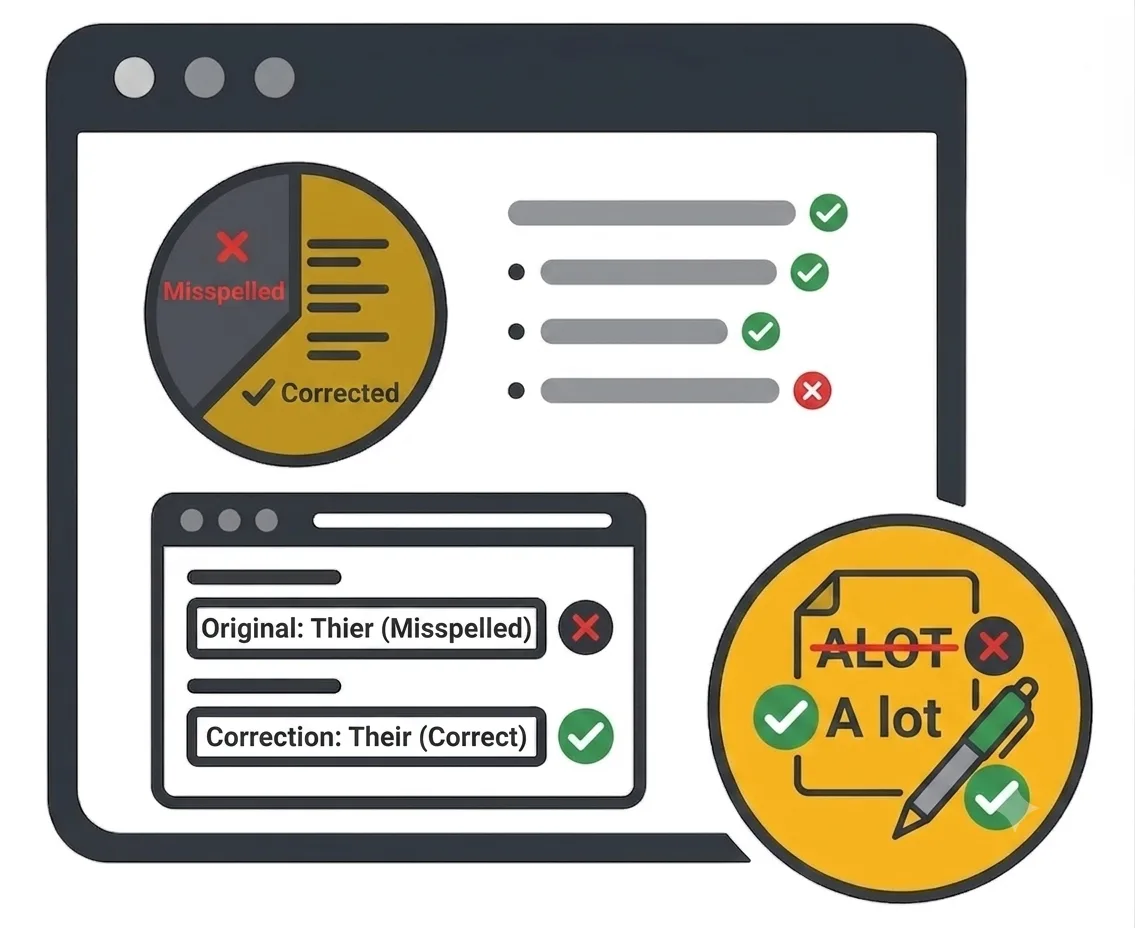
No matter the size of your website or how much content it contains, misspellings can happen anywhere, at any time. While programs and tools can help identify spelling errors before content is published, it’s still easy for a mistake to slip through—one that your users may notice.
In this tutorial, we’ll show you how to identify misspellings and words that may need further review on your site. We’ll also explore additional spelling tools in Siteimprove to help you take your website’s content quality to the next level.
Readability
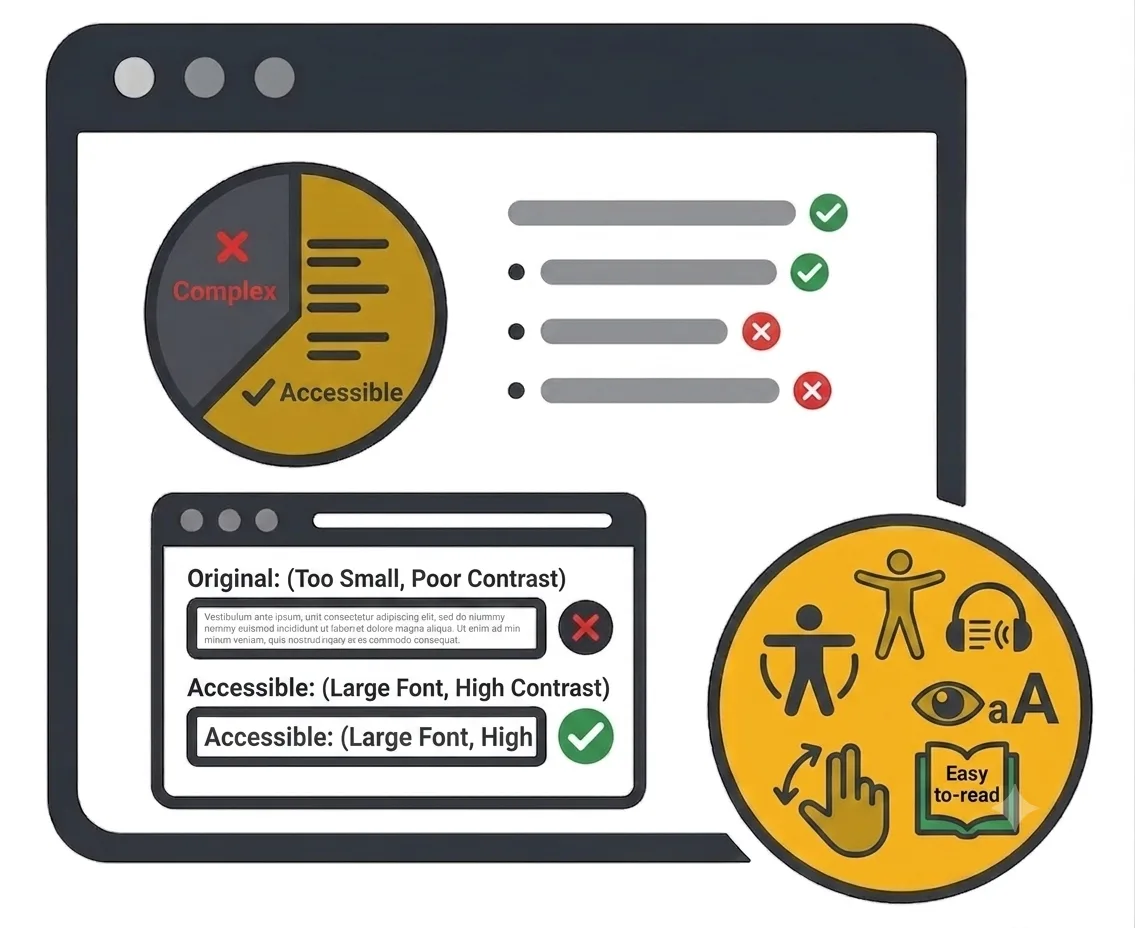
Readable content is about more than simply ensuring your messaging is free of grammatical errors. It means creating content that can be easily understood by people of different ages, literacy levels, and attention spans. Making your content accessible to as many people as possible is essential to creating a website that people can understand and want to use.
In this tutorial, we’ll show you how to identify and measure readability scores across your website’s pages, understand what a good readability score looks like, and make improvements that help your content communicate more clearly and effectively.
Inventory
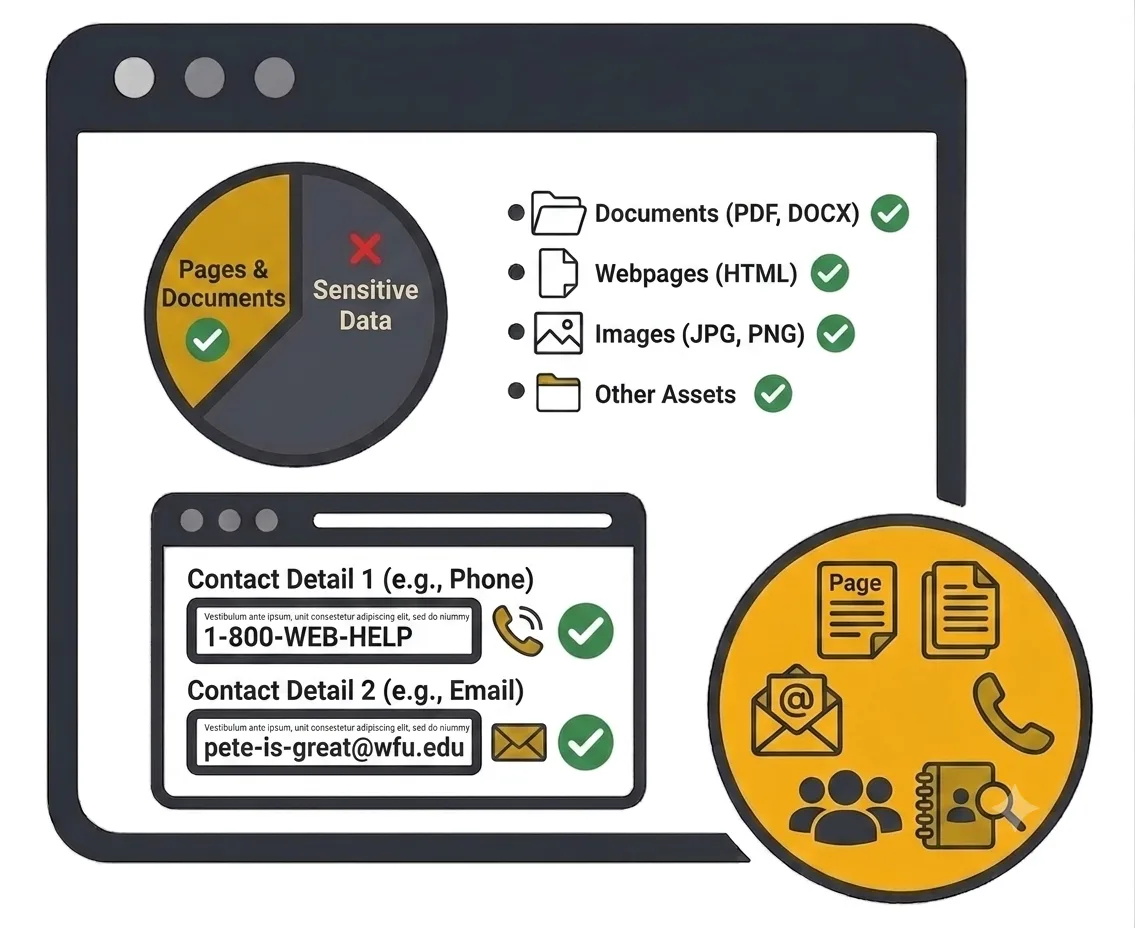
Understanding your website’s inventory is an important part of maintaining a healthy, well-organized site. A complete inventory can help you confirm that only the documents you want users to access are published, email addresses and phone numbers are accurate and up to date, and pages you may have forgotten about are still part of your site and discoverable through search.
In this tutorial, we’ll show you how to review the different types of content that make up your website—from files and pages to other published assets—and how to keep track of everything so your site remains organized, accurate, and performing at its best.
Your Siteimprove Toolbox

Quality Assurance
Discover the steps you can take to create a more effective, engaging, and user-friendly website experience for everyone.

Analytics
A successful content strategy starts with understanding how your website is performing and what your audience is looking for.

Accessibility
Accessibility isn’t just about what happens behind the curtain—it’s about the experience everyone has in front of it.

SEO & Search
Understanding how visitors find your website and what they want is an essential step in developing an effective content strategy.
Online Presentations
Whether you’re planning to attend an upcoming digital strategy presentation or want to revisit a previous session, explore the topics we cover and resources we share.
Digital Strategy
A strong digital strategy serves as the foundation for your website and every aspect of your digital marketing and communications. Here’s what you need to know.
Want to Chat?
We’re here to support your digital strategy efforts. Reach out with questions or schedule a consultation to discuss your website strategy and explore opportunities for improvement.