
Digital Strategy Presentations
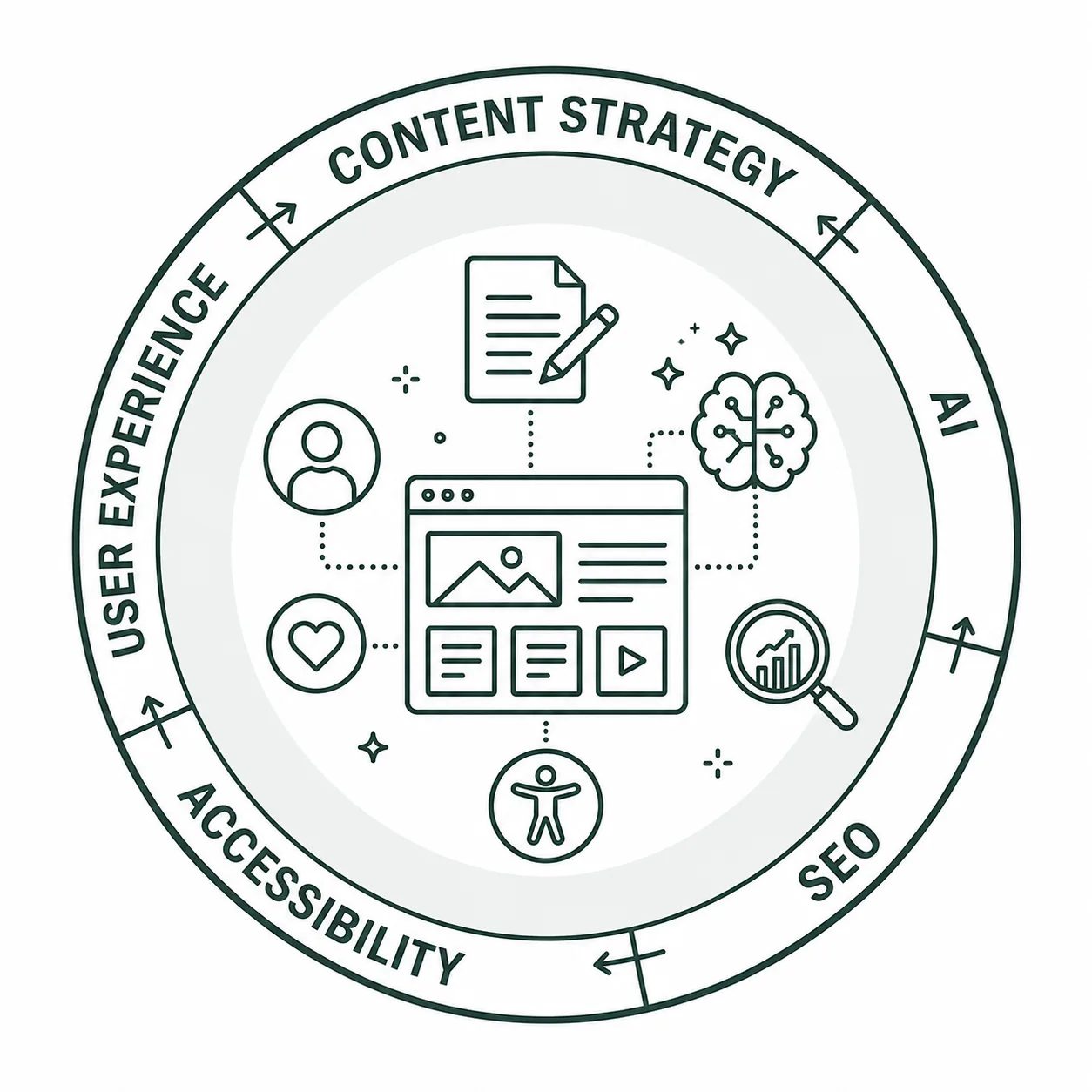
Exploring Digital Strategy Together
To support Wake Forest campus web editors and content managers in developing effective digital content strategies, members of the University Marketing and Communications (UMC) digital strategy team and Information Systems (IS) digital accessibility team have partnered to provide resources focused on a variety of digital content topics and best practices.
Digital content strategy presentations are typically offered as live Zoom sessions throughout the academic year. During these sessions, attendees will learn practical techniques and strategies to improve their website content, enhance their online presence, and create more effective digital experiences for their audiences.
Presentations are open to all Wake Forest employees, and we welcome anyone interested in strengthening their approach to digital content and strategy.
If you’d like to suggest a future digital strategy presentation topic, please email Pete Nowak at .
What interests you?
- Easy Wins for a Better Website
- Heading Structure and Visual Style Alignment: Web Accessibility Foundations
- Essential Web Accessibility & Siteimprove
- PDFs: The Good, the Bad, and the Ugly
- Progress in Practice: 15-Minute Routines for Accessible Web Content
- The Confluence of AI and Digital Accessibility
- Defining Strategy, Setting Goals, and Measuring Performance
- Easy Wins for a Better Website
- How AI is Changing the Way We Think About Our Websites
- How to Make an Awesome Homepage
- Does My Homepage Still Matter
- Improving Content Visibility in an AI-Driven World
- Presentation is Everything: How to Optimize Your Web Content
- The User Experience Conversation
- The Existential Crisis Facing Your Website
- Web Content Readability: It Matters a Great Deal (and Why You Should Care)
- Working in WordPress: Let’s Get Organized!
- Writing for the Web
- Analyzing User Behavior: They’re Doing WHAT Now?!
- Easy Wins for a Better Website
- Essential Web Accessibility & Siteimprove
- Heading Structure and Visual Style Alignment: Web Accessibility Foundations
- PDFs: The Good, the Bad, and the Ugly
- Progress in Practice: 15-Minute Routines for Accessible Web Content
- Siteimprove: Level Up
- Siteimprove Core Wins and SEO Tracking
- Using Analytics to Measure Website Success
- Web Content Readability: It Matters a Great Deal (and Why You Should Care)
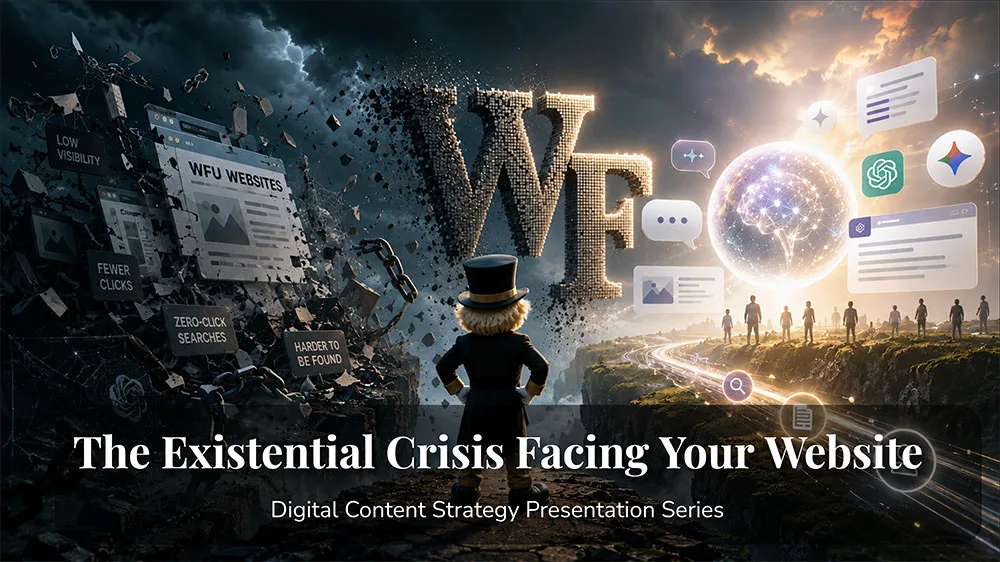
The Existential Crisis Facing Your Website
Content Strategy
AI
SEO
Thursday, November 12, 2:30 p.m.
This event will be held in-person with a Zoom option.
What happens when people stop visiting your website?
For decades, websites have served as a primary source of information for users — and in many ways, they still do. However, the challenge we now face is not just creating valuable content, but ensuring people can find it and have a reason to visit our websites in the first place.
With the rise of generative AI-powered tools like ChatGPT and Google AI Overviews, the way people search for and consume information has fundamentally changed. Users can now get immediate answers to their questions without ever clicking through to a website, creating a growing challenge for organizations that rely on web traffic to connect with their audiences.
So how do we adapt?
While there is no single solution, the answer begins with understanding what our audiences need most: valuable, relevant, and well-crafted content. Creating content that answers questions, provides meaningful insights, and meets users where they are has to be the foundation of our digital strategy.
This presentation will explore how the search landscape is changing, what these shifts mean for our websites, and the strategies we can use to create content that remains visible, useful, and impactful in an AI-driven world.
Explore this topic: Content Visibility, GenAI and SEO
Progress in Practice: 15-Minute Routines for Accessible Web Content
Accessibility
Siteimprove
Thursday, November 5, 2 p.m.
This session will share practical steps to put into place manageable web accessibility routines that can fill short windows of time on any day.
We’ll share how to use the Siteimprove and WordPress interfaces you’re already familiar with to make 15 minutes into meaningful accessibility improvements.
Explore this topic: Siteimprove: Accessibility

The User Experience Conversation
Content Strategy
Thursday, October 29, 10:30 a.m.
User experience, or UX, is at the core of effective content and marketing strategies. Understanding our audiences—what they need, how they want to access it, and where they go to find it—is essential to creating experiences that meet their expectations and encourage engagement with our content.
UX isn’t just something web designers think about. It’s something all of us influence every time we create, update, or change content on our websites—often without even realizing it.
In this presentation, we’ll break down the key elements of UX, explore how they connect to your overall content strategy, and share practical steps you can take to ensure your website delivers the best possible experience for your audience.
Explore this topic: Organization and Presentation, Content Visibility, Content Strategy
Siteimprove: Level Up
Siteimprove
Siteimprove offers a wide range of features that can help us improve the health and performance of our websites, many of which you’re already familiar with, but your onboarding training only covered the basics. Now that many of us have had time to use Siteimprove and become more familiar with the platform, it’s time to take a deeper dive into what it has to offer.
In this session, we’ll explore ways to get more out of Siteimprove, work more efficiently, and use the tools already available to us to keep our websites performing at their best—without creating more work for ourselves.
Explore this topic: Siteimprove
The Confluence of AI and Digital Accessibility
Accessibility
AI
While AI tools promise to streamline content creation, they often produce inaccessible code and rely on platforms that may exclude users with disabilities. But, when used thoughtfully, these same technologies can support accessibility and are able to amplify Universal Design and better, more available, assistive technologies.
Watch this presentation to learn more about how AI and Accessibility influence each other, some things to watch out for, and areas where AI can support everyone.
Explore this topic: Accessibility
Does My Homepage Still Matter?
Content Strategy
In the very first digital content strategy presentation (How to Make an Awesome Homepage) we discussed ways to provide content on your homepage that users will actually find helpful. Now, with AI-generative searches, many users are bypassing our homepages—and our websites—since they can now find the information they’re looking for faster, elsewhere.
So that begs the question: Is a website’s homepage still relevant, and what information should you be thinking about putting on yours to make it useful for those who still use it?
Explore this topic: Organization and Presentation, Writing for the Web
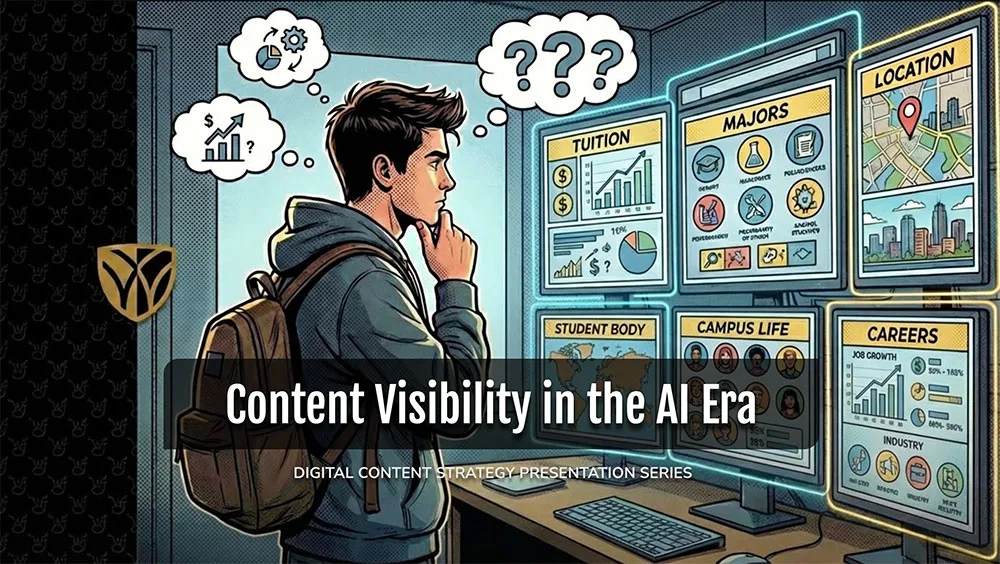
Improving Content Visibility in an AI-Driven World
AI
Content Strategy
Creating content with clear messaging, meaningful value, and strong visibility should always be a priority. As AI-powered search continues to reshape how people discover information online, it’s more important than ever to create content that serves both your audience and emerging search technologies.
Presentation Highlights
- Content strategies that continue to deliver results
- Writing content that AI-powered search tools can better understand and surface
- Why FAQs are more valuable than ever
- Creating faster, mobile-friendly web pages
- When to use AI—and why human-written content still matters
- Collecting user feedback to improve your website
This presentation is designed for anyone looking to improve their website’s visibility, adapt to today’s evolving search landscape, and create a better experience for their users.
Explore this topic: Content Visibility, GenAI and SEO, Writing for the Web
How AI is Changing the Way We Think About Our Websites
AI
Content Strategy
SEO
AI-powered tools are rapidly changing how people search for information—and how website content is discovered. As search continues to evolve, it’s becoming increasingly important to understand how AI is influencing content visibility and what you can do to stay relevant.
In this presentation, we’ll explore how tools like ChatGPT and AI Overview are reshaping the search experience and discuss practical strategies for creating content that performs well in an AI-driven digital landscape.
Presentation Highlights
- Discover how to adapt your content strategy to improve visibility in AI-powered search experiences
- Understand how generative AI is driving the rise of the “zero-click” search experience and what it means for your website’s visibility
- Learn why AI-powered search may be contributing to declines in pageviews and website traffic
- Explore the differences between SEO, GEO, and generative AI—and why each plays a role in your digital strategy
Explore this topic: Content Strategy, GenAI and SEO, Content Visibility

Using Analytics to Measure Website Success
Analytics
Siteimprove
Wake Forest uses Siteimprove’s Analytics module to help web editors measure and improve website performance. If you’re new to analytics—or want to feel more confident interpreting your data—this session will help you focus on the metrics that matter most.
Presentation Highlights
- Choose the right metrics to better understand user behavior and measure success
- Explore Siteimprove’s Marketing Analytics module and its most valuable metrics
- Learn which metrics to monitor regularly to measure website performance
- Understand why performance is about more than just pageviews
Explore this topic: Website Analytics

PDFs: The Good, the Bad, and the Ugly
Accessibility
Siteimprove
PDFs can be challenging to assess and make accessible, but understanding your PDFs is important as you improve your digital content.
This presentation will show you how to explore the different Siteimprove features that will help you assess your PDF collections and prioritize your efforts to improve them. It will also provide an introduction to methods for improving PDFs for accessibility, including remediation and alternate formats.
Explore this topic: Accessibility, Siteimprove: PDFs
Siteimprove Core Wins & SEO Tracking
Siteimprove
SEO
In this presentation, we’ll take a closer look at two powerful Siteimprove features: Core Wins and Search Engine Analytics. Core Wins helps you identify and prioritize the issues that have the greatest impact on your users, while Search Engine Analytics provides insights into how people are discovering your website and engaging with your content.
We’ll also cover a few new features Siteimprove recently added to its platform and discuss a useful search feature included within the Policy module.
Explore this topic: Siteimprove Core Wins, SEO and Search
Defining Content Strategy, Setting Goals, and Measuring Performance
Content Strategy
In this presentation we talk about the basics of establishing effective and impactful content strategy on a website. This includes goal setting for your website content, ways to measure performance, and how to manage your content in ways that connect with your users and provides them with a positive experience.
Explore this topic: Content Strategy

Easy Wins for a Better Website
Content Strategy
SEO
Accessibility
Analytics
Siteimprove
In this tutorial, we’ll cover several steps WFU WordPress users and content managers can take to improve their website’s SEO, engagement, performance, and overall user experience.
For more opportunities to improve your site, explore the Quick Wins page for additional tips on SEO, content, and accessibility.
Explore this topic: Quick Wins, Digital Strategy, Siteimprove
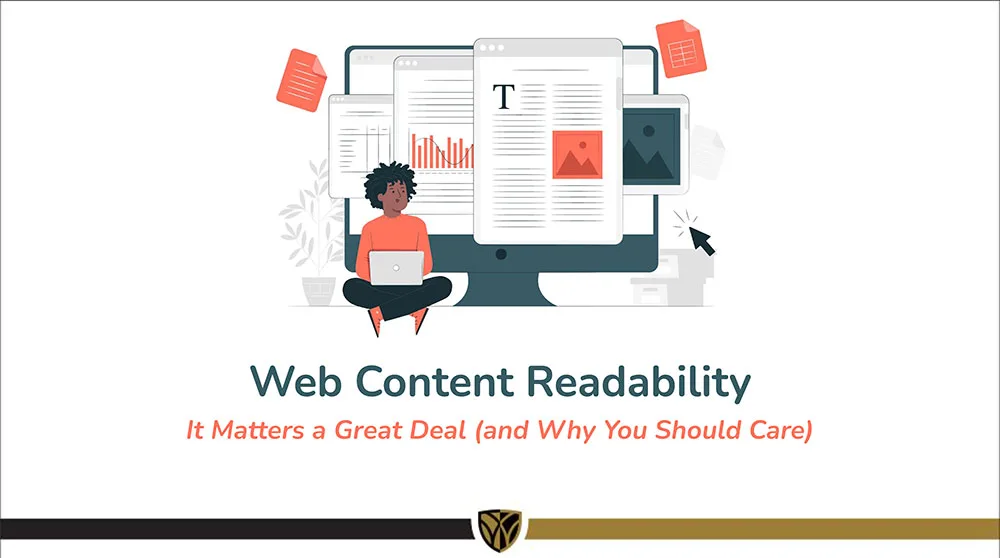
Web Content Readability: It Matters a Great Deal (and Why You Should Care)
Content Strategy
Siteimprove
Web content readability is important because it directly impacts how easily users can understand and engage with information on a website, leading to better user experience, more goals being met, improved SEO and GenAI discovery, and a more positive perception of the Wake Forest brand.
Even if you think your content is good, do you really know who is able to read and understand it?
Explore this topic: Writing for the Web, Readability (Siteimprove), Content Visibility

Heading Structure and Visual Style Alignment: Web Accessibility Foundations
Accessibility
Siteimprove
In this presentation you’ll learn about the importance of establishing good heading structure and why it makes your content clear for visual and non-visual engagement, and review some common missteps with headings that can make your pages more confusing for users.
We’ll go over tricks and tools in Siteimprove and WordPress that can help you make your heading structure effective, and look at some options you can try for visual variety.
Explore this topic: Accessibility, Heading Structure (Siteimprove)
Working in WordPress: Let’s Get Organized!
Content Strategy
Organizing content on your website means structuring information in a clear hierarchy, using scannable sections, and aligning content with user needs. Good organization helps users quickly understand a page, find relevant information, and know what to do next.
Poor structure can cause users to miss key information, feel frustrated, or leave the site. Clear organization also improves readability across devices and helps search engines and AI better understand your content.
A well-organized page should guide users rather than make them search. Use clear headings, concise sections, descriptive links, lists, and a logical flow to lead users from information to action.
Explore this topic: Organization and Presentation, Content Strategy, Content Visibility

Analyzing User Behavior: They’re Doing WHAT Now?!
Siteimprove
Analytics
Siteimprove’s Analytics module provides a wealth of data and insights into how users actually engage with the content on your site.
In this presentation, we’ll explore the Behavior module, focusing specifically on Behavior Maps—including Heat Maps, Scroll Maps, and Click Maps—as well as Event Tracking, which measures how often specific interactions occur and identifies which pages generate the most clicks and taps.
Explore this topic: Behavior (Siteimprove)

Presentation is Everything: How to Optimize Your Web Content
Content Strategy
In this presentation, we’ll explore different ways to present and organize your site navigation, page content, and site footer to create a more intuitive and engaging user experience. While having the right information on your website is important, how that information is structured and presented can significantly impact whether visitors can find it, understand it, and take action.
We’ll look at practical ways to make navigation easier to use, structure page content so it’s clear and scannable, and use your site footer to provide helpful information and additional pathways through your site.
Explore this topic: Organization and Presentation, Content Strategy, Content Visibility

Writing for the Web
Content Strategy
Finding the right messaging strategy for your website content can be challenging. We often find ourselves asking:
- What are the best practices for writing effective web content?
- How do we strike the right balance between visitors who want to quickly scan for information and those who want to explore a topic in greater depth?
- How much information is enough without overwhelming the user?
There’s no one-size-fits-all approach to creating effective web content. However, there are proven guidelines and best practices that can help us create content that is clear, useful, accessible, and aligned with our brand.
The goal isn’t simply to put the right information on the page—it’s to present that information in a way that helps people quickly find what they need while still providing the depth and context they’re looking for.
Explore this topic: Writing for the Web, Organization and Presentation, Content Visibility
Essential Web Accessibility & Siteimprove
Accessibility
Siteimprove
In this presentation, we’ll explore how to make the most of Siteimprove’s accessibility tools to identify and address common accessibility issues across your website. We’ll look at how these features can help you evaluate your content, prioritize areas for improvement, and make your site more usable and inclusive for everyone.
Explore this topic: Accessibility, Accessibility (Siteimprove)

How to Make an Awesome Homepage
Content Strategy
In this presentation, we’ll address some key information that web content managers should be including on their homepage, ways to get visitors to engage with that content, and how to leverage various WordPress blocks to make it happen.
Explore this topic: Organization and Presentation, Content Visibility
Your Digital Strategy Toolbox

Content
A well-defined web content strategy drives user experience, content visibility, and overall website performance.

Analytics
Analytics help you uncover insights, identify trends, and guide improvements for your website content strategy.

GenAI & SEO
How people discover information has changed—and continues to evolve. Here’s why that matters and how to approach it.

Accessibility
An effective website is designed not only for its intended audience, but to ensure everyone can access its content.
Online Presentations
Whether you’re interested in attending an upcoming digital strategy presentation or want to revisit a previous one, explore the topics we cover and resources we share.
Glossary of Terms
Digital strategy involves a lot of terminology that can feel overwhelming. We’re here to help clarify some of the most common terms and concepts you’ll encounter.
Want to Chat?
We’re here to support your digital strategy efforts. Reach out with questions or schedule a consultation with us to discuss your website strategy.