
Getting Started & Account Help
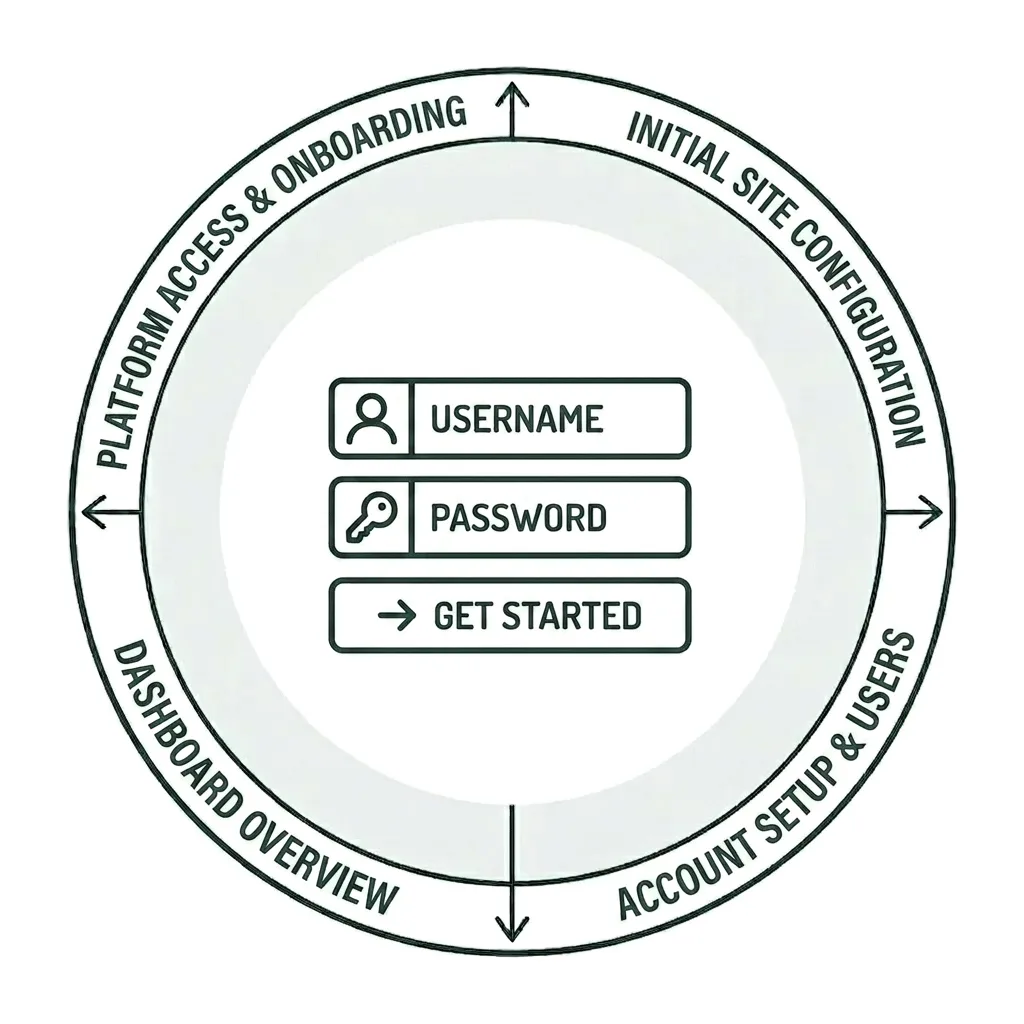
Your First Step to a Better Website
Whether you’re using Siteimprove for the first time or just need a refresher, the resources below will help you get up to speed. If you need assistance with something not covered here, submit a Siteimprove Support Form, and we’ll be happy to help.
Learning the Basics of Siteimprove
In this tutorial, you’ll learn the fundamentals of using Siteimprove, including how to navigate the platform, switch between dashboards, understand how reports work and when you’ll receive them, and view the websites available to you.
Requesting Siteimprove Training and Access
Any Wake Forest University faculty and staff who serve as administrators or editors of a UMC-managed website may request access to Siteimprove. Before access can be granted, you must submit a Siteimprove Support Form.
Please include the following information with your request:
- Your name
- The department or office you work in
- The website(s) you need access to in Siteimprove
Siteimprove training sessions are offered throughout the year and are typically scheduled within a few weeks of receiving your request. If you’re unable to attend one of the scheduled sessions, let us know, and we’ll do our best to arrange an alternative offering.
Logging into Siteimprove
To log in, visit Siteimprove’s website and click the Login button. Log in with your WFU email and password you created when setting up your account. If you’ve forgotten your password, you can reset it here.
If you are experiencing other issues logging into your account, please let us know.
If you plan to use Siteimprove regularly, we recommend bookmarking the login page for quick and easy access.
Managing Sites and Reports
Siteimprove users are assigned access to the same websites they edit in WordPress. If you need access to a site that you do not manage in WordPress, please let us know what those sites are and your reasons for needing access.
If your role within the university has changed and you need a site added or removed from your account, or if you are no longer managing sites and needs removed from Siteimprove, please submit a Siteimprove Support Form and let us know.
Currently, Siteimprove access is available only for websites that use the UMC WordPress theme.
Siteimprove Reports
All Siteimprove users who manage at least one site will receive the following reports for each site they are assigned each month:
- Site Issues and General Health Report
- Analytics Report
If you are assigned a site but are not receiving these reports, please submit a Siteimprove Support Form and let us know what site(s) you’d like to receive them for. If you are currently receiving reports but no longer wish to receive them, please let us know so we can stop them from being sent to you.
Reports that include data from other modules offered within Siteimprove are also available. If you’re interested in learning more, please reach out to Pete Nowak at .
Dashboards
Siteimprove offers a variety of dashboards, each designed to help you explore a specific type of information. If you need a more personalized view, a custom dashboard can be created and tailored to the metrics and insights that matter most to you.
For most users, it is recommended that you favorite the following Dashboards:
- Site Issues and General Health Report
- Accessibility Report
These dashboards provide the most relevant information about issues affecting your site, along with guidance on how to identify and resolve them.
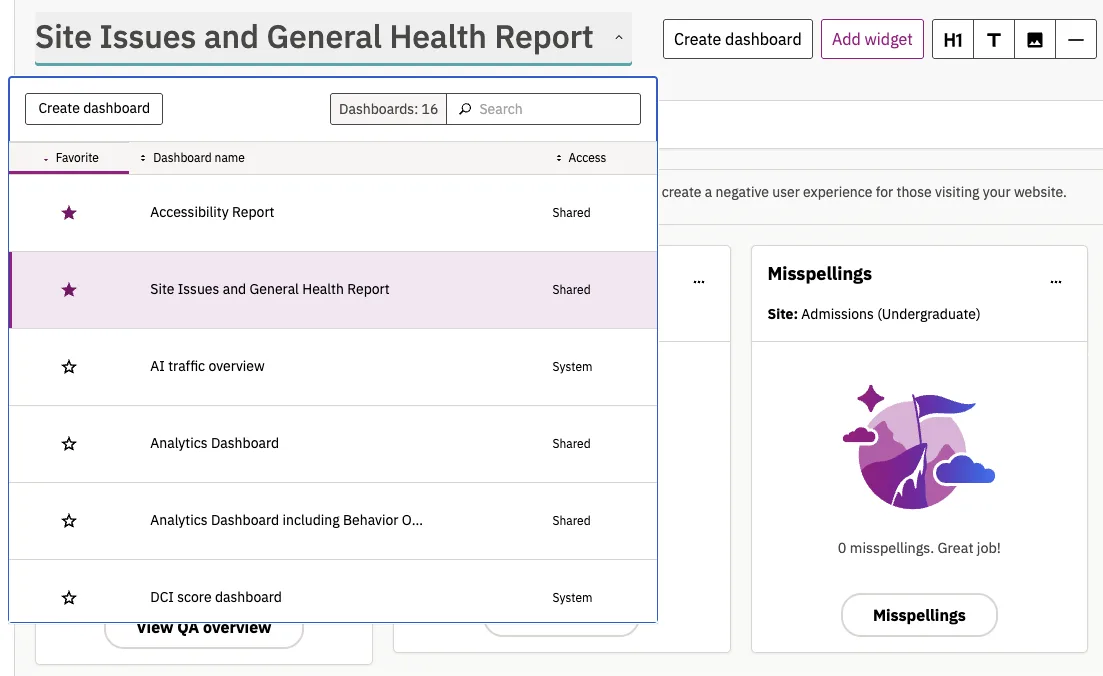
After logging in, you can navigate between the various Siteimprove dashboards. We recommend setting Site Issues and General Health Report as your default dashboard so it appears each time you sign in.
The name of your currently selected dashboard is displayed beneath your site name at the top of the page. To switch to a different dashboard, click the arrow next to the dashboard name to view the list of available dashboards and make your selection.
Your Siteimprove Toolbox

Quality Assurance
Discover the steps you can take to create a more effective, engaging, and user-friendly website experience for everyone.

Analytics
A successful content strategy starts with understanding how your website is performing and what your audience is looking for.

Accessibility
Accessibility isn’t just about what happens behind the curtain—it’s about the experience everyone has in front of it.

SEO & Search
Understanding how visitors find your website and what they want is an essential step in developing an effective content strategy.
Online Presentations
Whether you’re planning to attend an upcoming digital strategy presentation or want to revisit a previous session, explore the topics we cover and resources we share.
Digital Strategy
A strong digital strategy serves as the foundation for your website and every aspect of your digital marketing and communications. Here’s what you need to know.
Want to Chat?
We’re here to support your digital strategy efforts. Reach out with questions or schedule a consultation to discuss your website strategy and explore opportunities for improvement.